
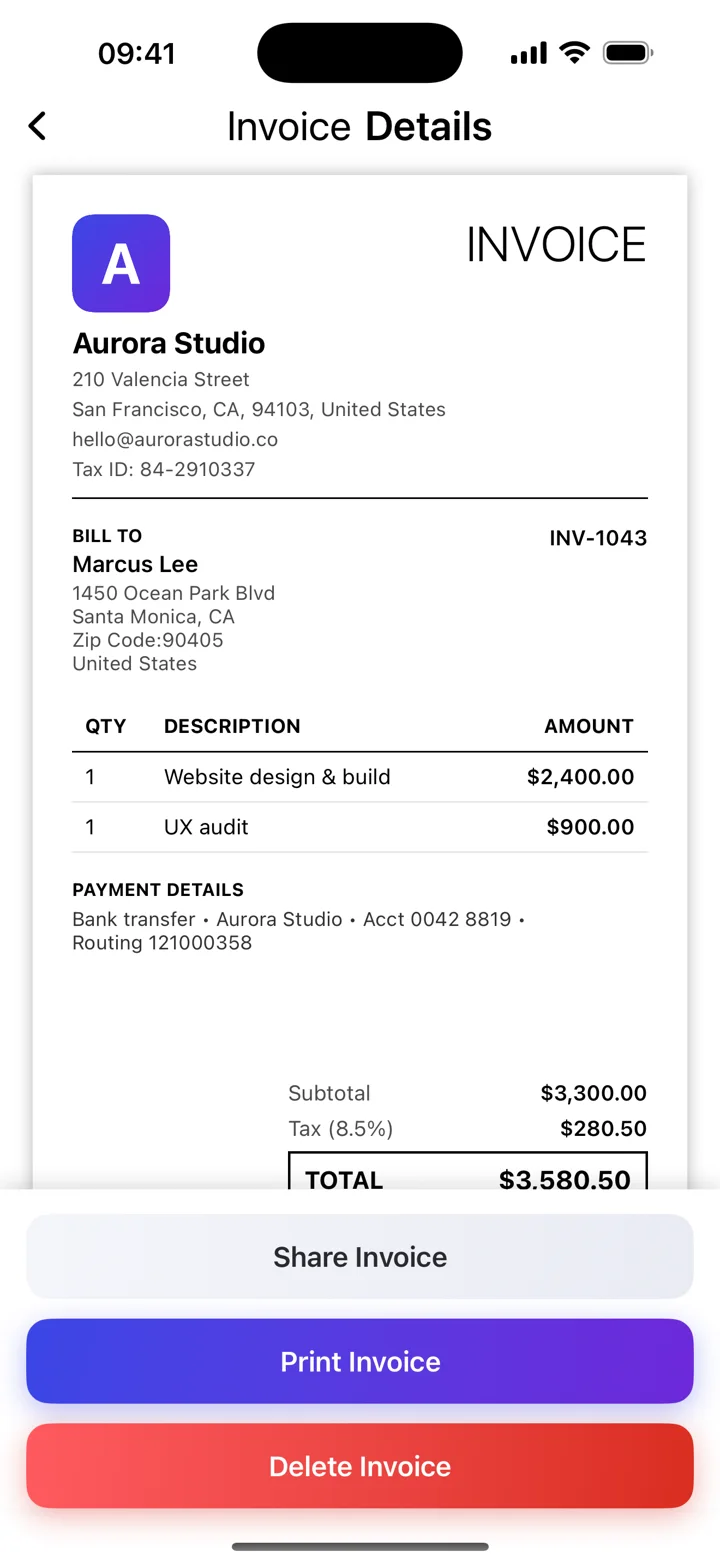
The fields to include
Start with business and client contact details, a unique invoice number, the invoice date, a description of what you supplied, quantities and rates, the subtotal, any applicable tax, and the total. Add the agreed payment instructions and due date. Business and tax identifiers depend on your location and status.
Choose a layout for the job
A simple service invoice works well for project fees. An hourly invoice should make hours and rates easy to compare. A product invoice should show quantities and unit prices. Leave enough space for meaningful descriptions instead of squeezing everything into one line.
Brand it without hiding the essentials
Your logo and a consistent colour can make an invoice recognisable. Keep contrast strong, text readable, and the total prominent. Invoice Maker’s App Store listing describes logo customisation and professional templates; some options may require an in-app purchase.
Use a template as a starting point
Try the free browser template for a printable invoice. For repeated invoicing, use the app to keep client information and invoice records together. Neither option replaces checking the invoice requirements for your business.
These guides explain everyday invoicing workflows. Examples are illustrative; check the rules that apply to your business and location.
Reference: GOV.UK — UK invoice requirements ↗